
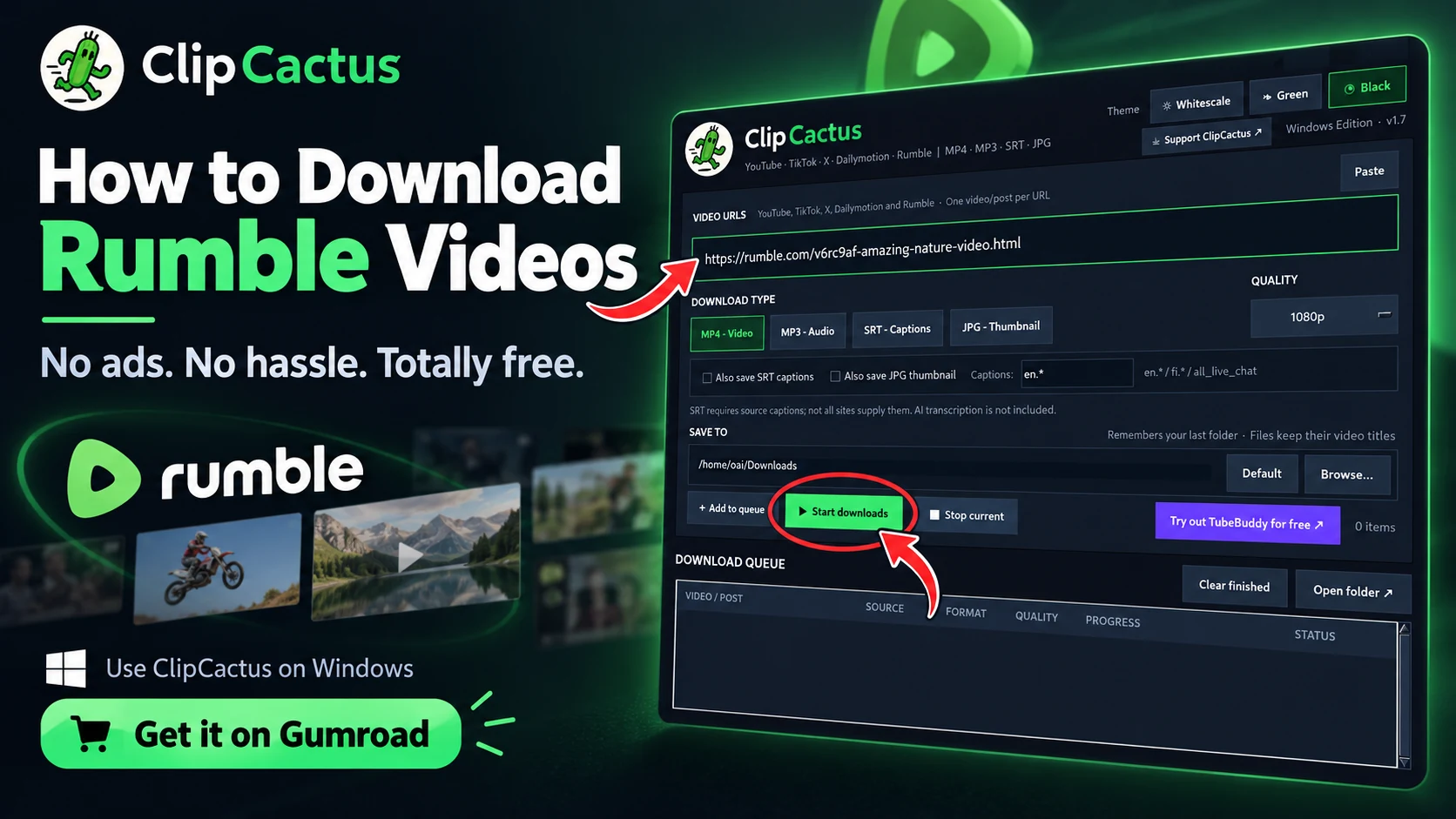
Want to download Rumble videos to your PC without dealing with annoying pop-ups, online converters, or paid subscriptions? With ClipCactus, you can save supported Rumble videos as MP4 files or extract their audio as MP3 in just a few clicks.
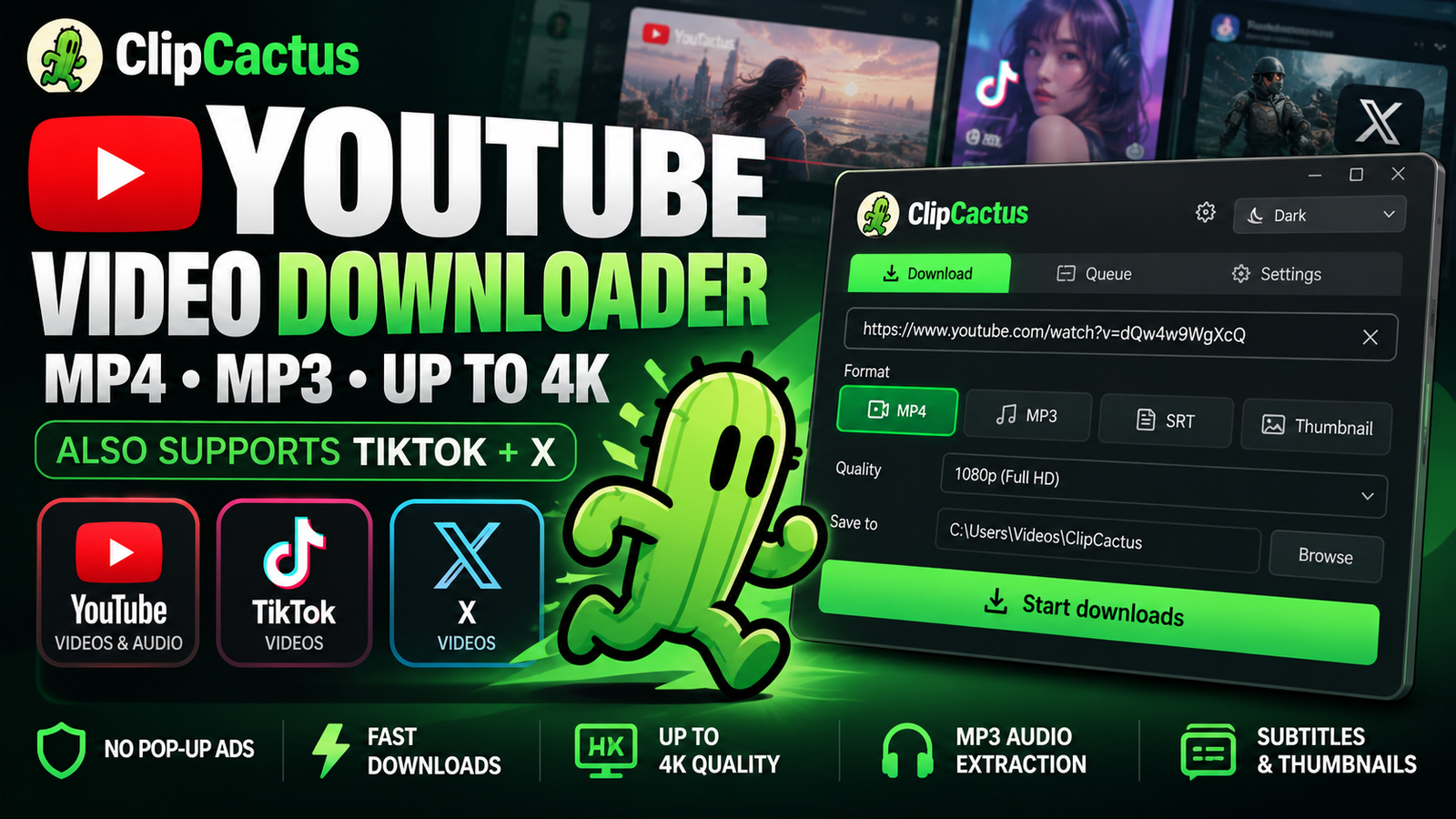
ClipCactus is a free video downloader for Windows that supports Rumble, YouTube, TikTok, X (Twitter), and Dailymotion. Everything is handled through a simple desktop application, without the disruptive pop-up advertisements commonly found on online downloader websites.
🌵 Download ClipCactus for Free
How to Download Rumble Videos on Windows
Downloading a Rumble video with ClipCactus is straightforward.
Step 1: Copy the Rumble Video Link
Open Rumble in your browser and find the video you want to download. Copy the video’s URL from your browser’s address bar.
Step 2: Paste the URL into ClipCactus
Launch ClipCactus on your Windows PC and paste the Rumble video link into the Video URLs field.
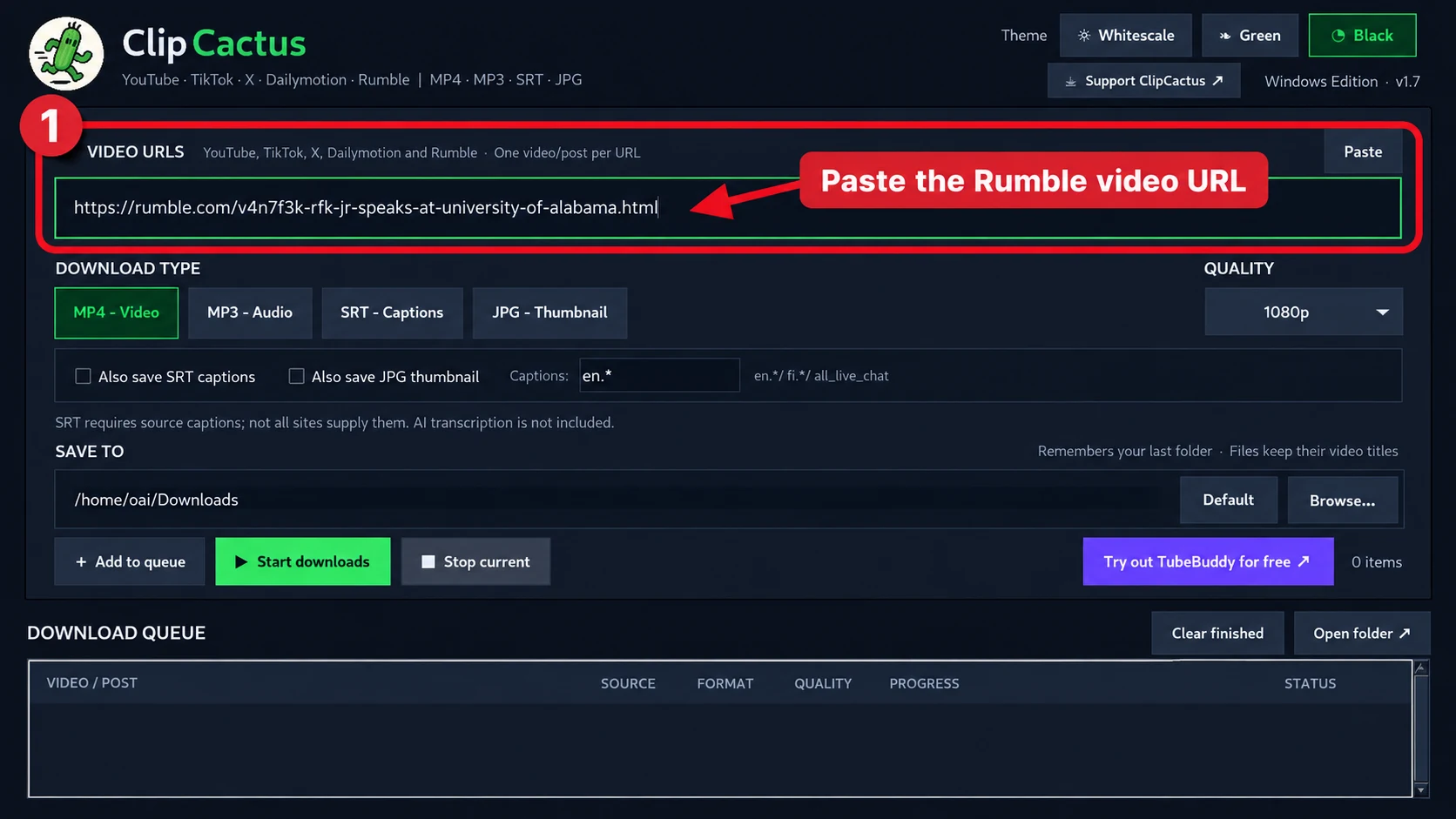
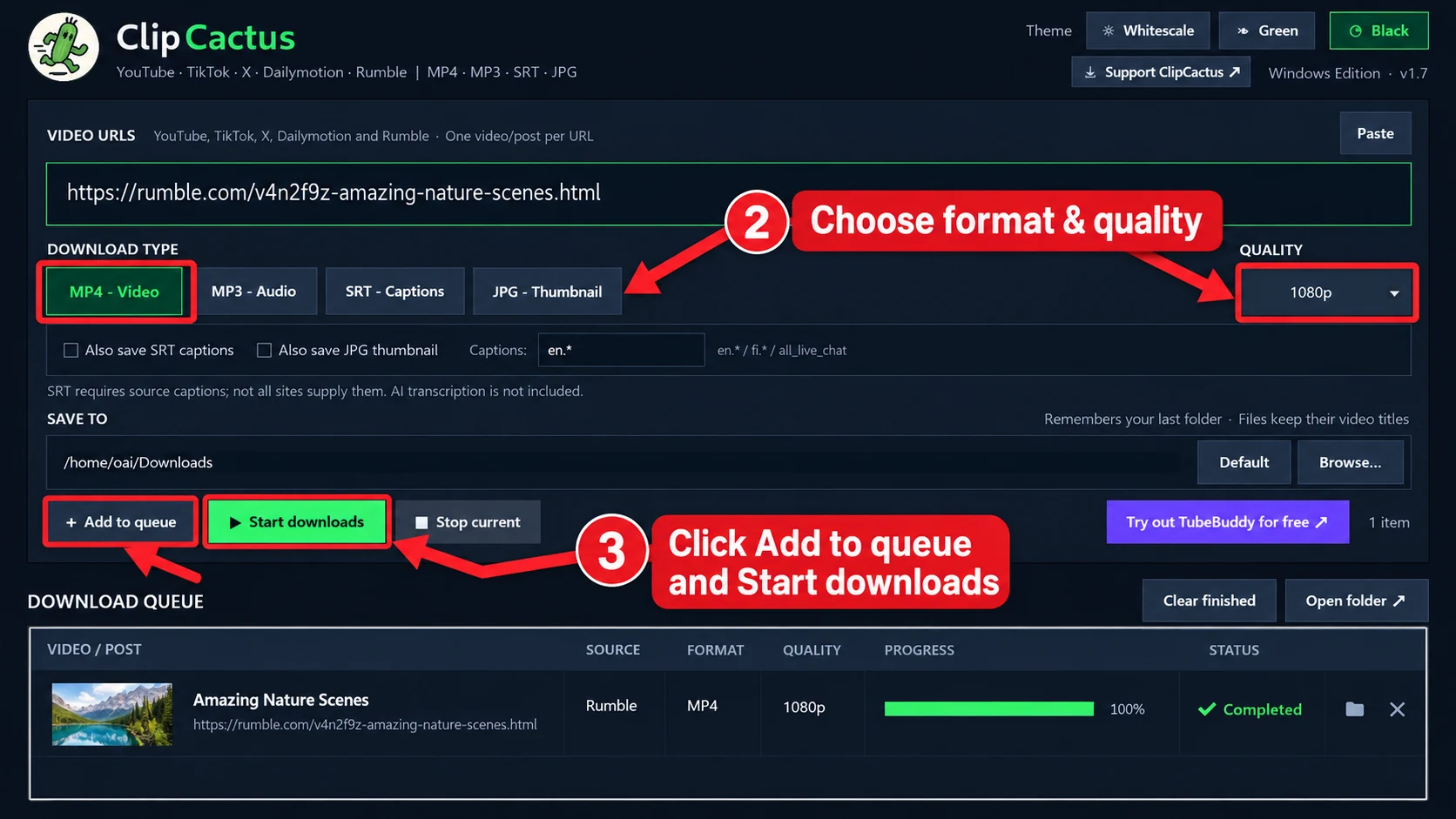
Step 3: Choose MP4 or MP3 and Select Quality
Choose the format you want:
- MP4: Download the Rumble video to your computer.
- MP3: Extract the video’s audio into a standalone MP3 file.
For MP4 downloads, you can select a resolution such as 720p, 1080p, or the best available quality. Available resolutions depend on the original video.
Step 4: Select Your Download Folder
Under Save To, click Browse and choose where your downloaded Rumble videos should be saved.
ClipCactus remembers your selected folder for future downloads.
Step 5: Start Downloading
Click Add to queue, followed by Start downloads. ClipCactus will process the video and display its download progress.
Once completed, open your selected folder to access the downloaded file.
Why Use ClipCactus as Your Rumble Video Downloader?
ClipCactus offers several useful features beyond basic Rumble video downloads:
- Free to use: No ClipCactus subscription required.
- No annoying pop-up ads: No ad-filled online conversion pages.
- MP4 and MP3 support: Download video or extract audio.
- Quality selection: Choose from available video resolutions.
- Batch downloads: Queue multiple supported videos.
- Subtitles and thumbnails: Download them when available from the source.
- Multiple platforms: Also supports YouTube, TikTok, X, and Dailymotion.
Download ClipCactus for Free
If you’re looking for a simple way to save Rumble videos to your computer, ClipCactus provides a convenient alternative to online video downloaders.
Download supported Rumble videos, convert their audio to MP3, and manage your downloads in one lightweight Windows application.
🌵 Get ClipCactus for Free on Gumroad
Download only content you own or have permission to save. Some videos may be unavailable due to access restrictions or changes to the platform. ClipCactus is not affiliated with Rumble.



Leave a Reply